
Updated October 4, 2026.
AI phishing detection uses machine learning to decide whether an email is fraudulent by reading what it says, who sent it and where its links lead, instead of only matching known bad senders. That matters because attackers can now produce clean, convincing lures at scale. The FBI’s 2025 Internet Crime Report logged 191,561 phishing and spoofing complaints, more than any other crime type, and reported phishing losses rising from about $70 million to about $216 million in a single year.
This guide explains how the detection works, compares the tools small businesses actually use (with the pricing we could verify), and lists the free steps that stop more attacks than most people expect.
Why phishing is harder to spot in 2026
Table of Contents
The old advice to look for typos and clumsy grammar is aging badly. Generative AI makes fluent, well-targeted messages cheap to produce. The same FBI report counted 22,364 complaints tied to AI, with roughly $893 million in losses, the first year the report tracked AI as a descriptor.
The costliest scams often contain no malware at all. Business email compromise (BEC), where an attacker poses as a boss or vendor and asks for a payment, accounted for 24,768 complaints and about $3.05 billion in losses in 2025. A link scanner cannot catch an email that simply says “please update our bank details.” Verizon’s 2026 Data Breach Investigations Report also keeps phishing among the main ways attackers get in, at roughly 16% of initial access.
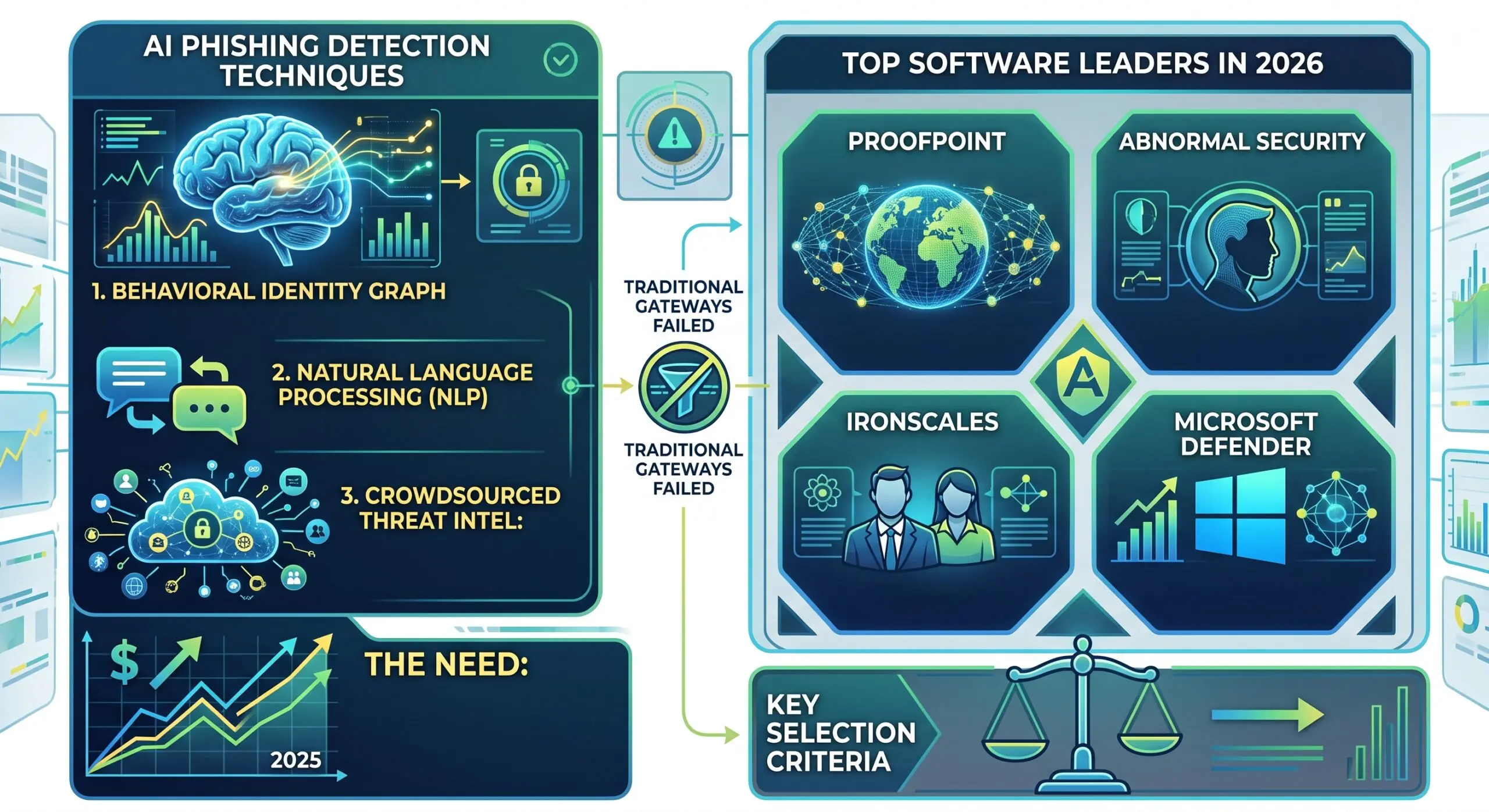
How AI phishing detection works
Most products combine four layers:
- Language analysis. Models read the message for intent: urgency, requests to change payment details, gift card asks, credential prompts. This is what catches a clean-looking email with no malicious link.
- Sender behavior. The system learns who normally emails whom, and about what. A message from a “CEO” using a new address to ask for a wire stands out. Microsoft’s version of this is called mailbox intelligence.
- Link and attachment checks. Links are checked when someone clicks, not only when the email arrives, and risky attachments can be opened in a sandbox first.
- Cleanup after delivery. If a message is flagged later, the tool pulls matching copies out of every inbox.
No tool catches everything, and false positives are real. The better products let an admin see why a message was flagged, so mistakes can be fixed instead of guessed at.
AI phishing detection tools compared
| Tool | Best for | Price we could verify | What stands out |
|---|---|---|---|
| Microsoft Defender for Office 365 | Teams already on Microsoft 365 | Plan 1 about $2 per user per month, Plan 2 about $5 (Plan 1 is included in Business Premium) | Safe Links, Safe Attachments and impersonation protection. Plan 2 adds automated investigation and attack simulation training. |
| Proofpoint Essentials | Small businesses that want a dedicated email layer | Entry plans roughly $3 to $4 per user per month through resellers; higher tiers add AI-based BEC detection | A long-established email security vendor with a small-business edition |
| Abnormal AI | Businesses worried about BEC and account takeover | Not published. Third-party estimates vary widely, so ask for a quote. | Behavioral detection connected by API, designed to sit next to your existing filter |
| Sublime Security | Teams that want to see why a message was flagged | Not verified. Ask the vendor. | Detection logic you can read and adjust |
Prices change often and resellers quote differently, so confirm with the vendor before you buy.
Which one should you pick?
- Small team on Microsoft 365: start with Defender for Office 365 Plan 1 (or Business Premium, which includes it) and fix your DMARC settings before paying for anything else.
- You pay vendors or move money by email: add a behavioral layer such as Abnormal or a higher Proofpoint tier. BEC has no malware to scan, so behavior and language are the only signals.
- You have an IT or security person: a tool that explains its verdicts, like Sublime, will save hours of arguing with the quarantine.
- You use Google Workspace: check which Gmail protections your plan already includes before adding a paid layer.
This is our reading of how the products are positioned, not a lab test. Run a trial on your real mail before committing.
Free steps that stop a lot of attacks
- Set up SPF, DKIM and DMARC. They make it much harder to spoof your own domain, and Google and Yahoo now expect them from bulk senders.
- Turn on multi-factor authentication for email and finance accounts, using passkeys or security keys where you can.
- Add a report-phishing button and make sure staff know they will be thanked for reporting, not blamed for clicking.
- Verify payment changes by phone, using a number you already had, never one from the email.
What to check before you buy
- Does it connect by API, or does it require changing your mail routing (MX records)? API tools deploy faster; gateways give you more control.
- Can you see why a message was blocked or released?
- Who reviews the quarantine, and how many minutes a week will that take?
Security roles are also among the fastest-growing jobs in the World Economic Forum’s outlook; see our breakdown of jobs AI will replace by 2030. For wider tool picks, read our guide to the best AI productivity tools for small business.
Frequently Asked Questions
What is AI phishing detection?
It is email security software that uses machine learning to judge whether a message is a scam. Instead of relying only on blocklists, it studies the wording, the sender’s usual behavior and the destination of links, and it scores each message for risk.
How to detect phishing?
Check that the sender’s domain matches the company it claims to be, hover over links before clicking, and be suspicious of urgency or requests for payment or passwords. If something feels off, confirm through a separate channel, such as a phone number you already have, and report the message to your IT team.
What are phishing detection techniques?
Common techniques include blocklists of known bad senders and links, rules that look for suspicious patterns, machine learning classifiers, behavioral baselines for each mailbox, click-time link checks and sandboxing, and email authentication such as SPF, DKIM and DMARC. User reporting adds a human signal on top.
How does machine learning detect phishing emails?
Models are trained on large sets of labeled phishing and legitimate emails. They learn which features tend to separate the two, such as header details, wording, link patterns and sender history, then score new messages against what they learned. Attackers change tactics, so models need regular retraining and human review of edge cases.